AdManage 10M+ ads. Inside Claude. Example industry: Beauty & Skincare
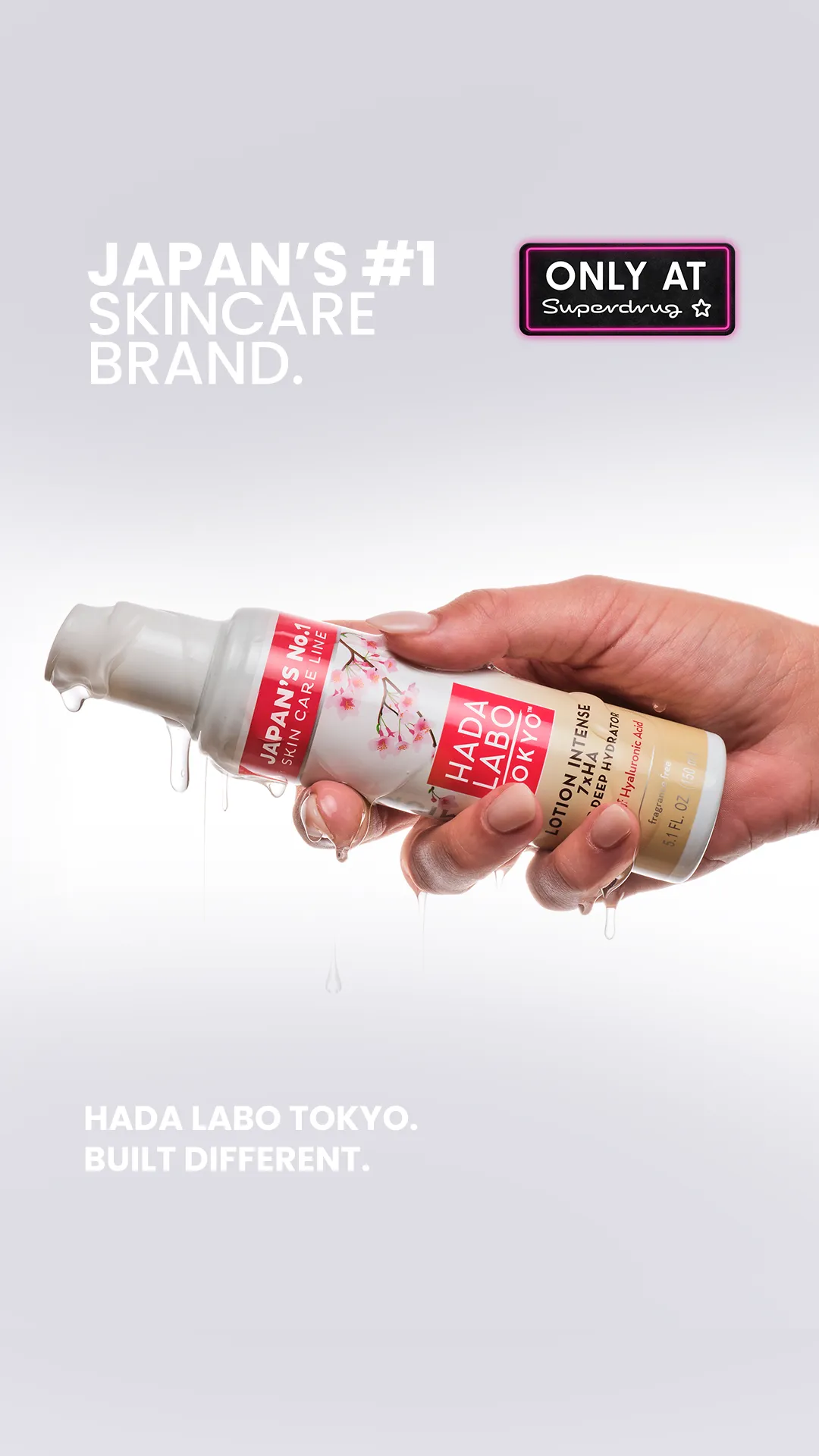
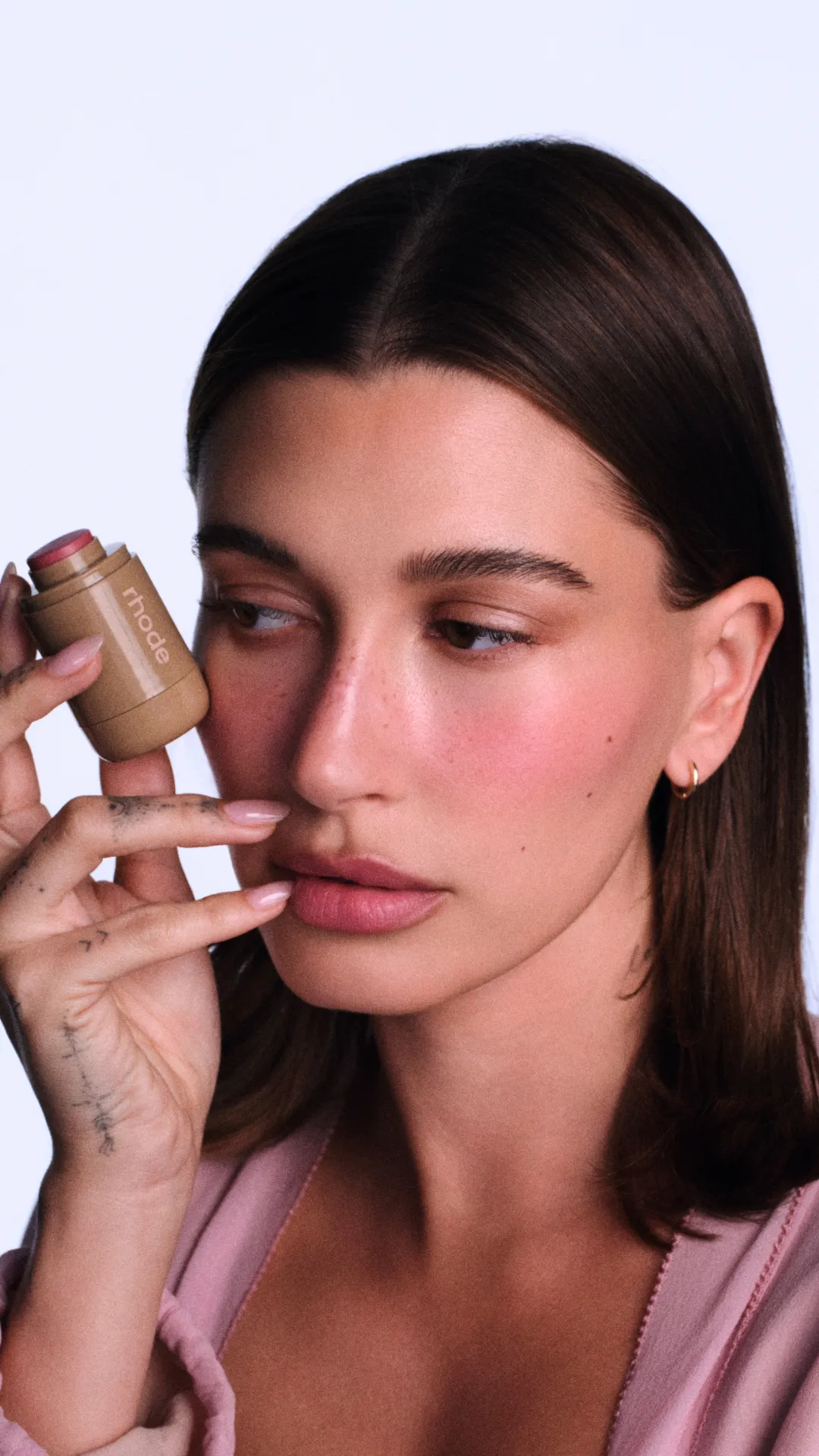
Real ads from Meta’s Ad Library. | ||||||
Hi there, Compare ads by reach. Find your next angle. You can now research AdManage’s library of 10M+ ads directly in Claude. Pick your industry. Compare ads by reach. See which hooks, offers and formats keep appearing. Then turn that research into your next creative brief. Try this for your own brand in AdManage Chat. One click opens a new chat and runs the prompt for you. Prefer Claude? Copy and paste this prompt once AdManage is connected. It checks your brand context first, with no blanks to fill in: Research competitor and category ads relevant to my current brand and product. First read the selected ad account’s saved website and launch context, then match that website to my saved product profiles. Use the matching brand, product, audience and verified selling points. If there is no clear match, stop and ask me one short question. Use only the matching product. 1. Find up to 20 relevant ads from other advertisers in AdManage’s existing library. Use one focused category keyword to start. Rank the returned sample by reach and group it by advertiser. Do not wait for new scrapes. 2. Show each creative, source link, reach, run dates and active status where available. Flag missing data. Reach does not prove profitability. 3. Compare hooks, offers and formats. Suggest three original angles for my brand and audience, then write a concise creative brief for the strongest. Use only verified product claims. Run this research in AdManage Chat → Want to go deeper? Ask Claude: “Which angles keep appearing in this industry? Where could our brand take a different approach?” Connect AdManage to Claude Set it up once. Then use the prompt above for your next research session.
Need a hand getting connected? Just reply to this email. Best, |